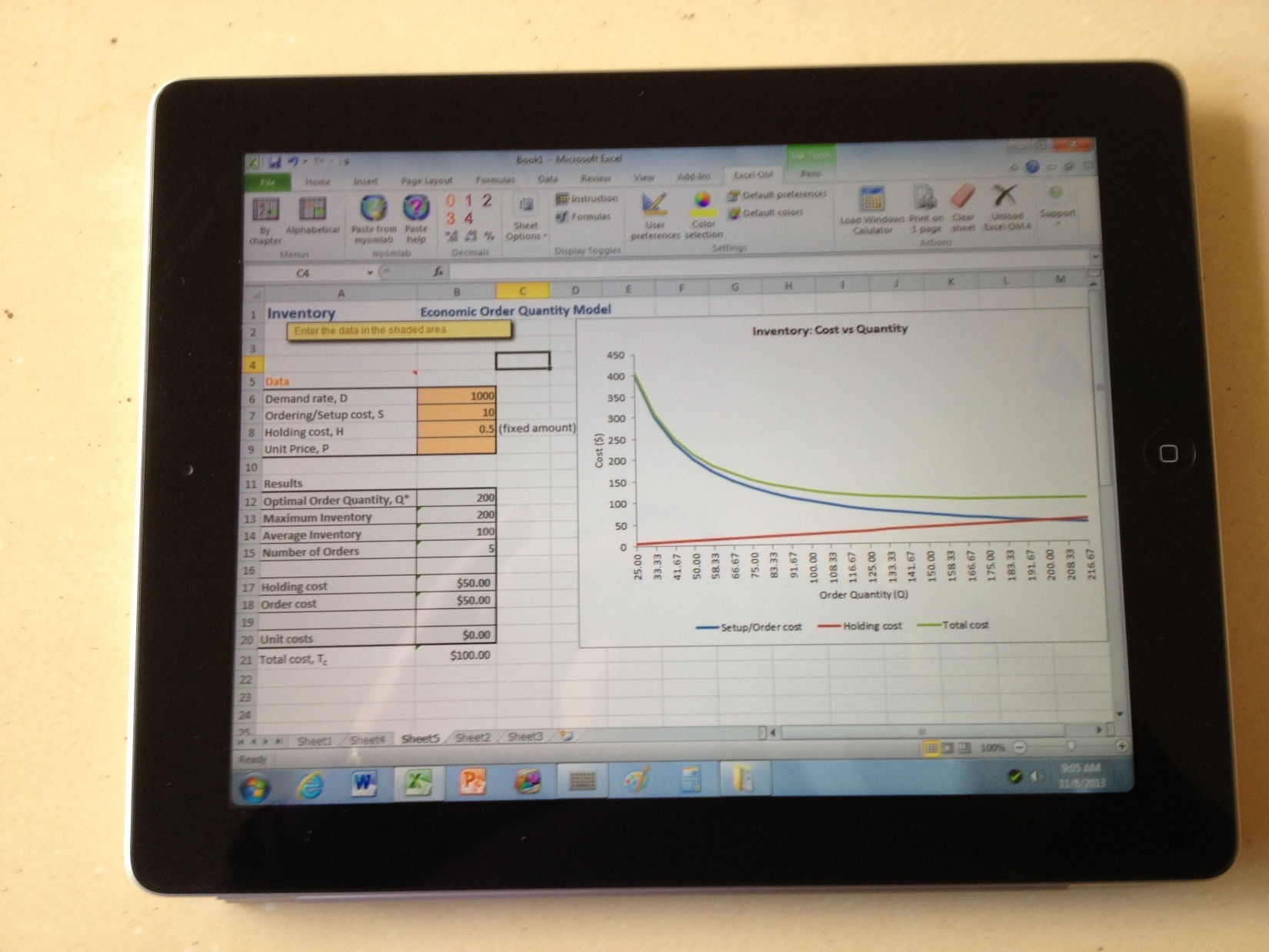
It is now very easy to run Excel OM on an iPad or Nexus. This is not due to changes in Excel OM but rather due to a free app that is available for tablets. The app is OnLive Desktop and can be found at the iTunes App Store or the Google Play Store. The app runs Windows 7 on your tablet and includes Microsoft Office 2010. Unfortunately, the internet is not available with the free version. OnLive interfaces with your files through an account on the OnLive cloud.
To setup OnLive you simply need to : (1) Install OnLive Desktop on your tablet; (2) Create a free account at desktop.onlive.com; and (3) Upload ExcelOM (3 files) to your OnLive cloud account as shown below.
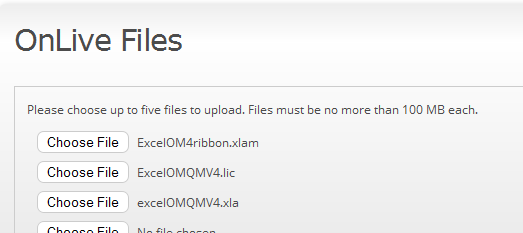
To run Excel OM on your tablet you: (1) Open OnLive Desktop on your tablet and sign in; (2) Open Excel; and (3) Go to File and Open ExcelOMQMv4.xla
You can save your Excel OM problem files to your account at OnLive desktop and then access them from your computer.
Please note the following:
- OnLive desktop’s Excel does not include Excel’s Solver so you cannot run linear programs, transportation models or the project management crashing model.
- Some of Excel OM’s tools, such as visiting the Pearson web site are not available since the internet is not available.
- Your current version and build of Excel OM will work but Excel OM has been updated to better interface with OnLive so you should download the latest build from the Excel OM support page at prenhall.com/weiss.
Below is a picture of Inventory Example 3 from Heizer/Render OM 11e, using Excel OM on an iPad